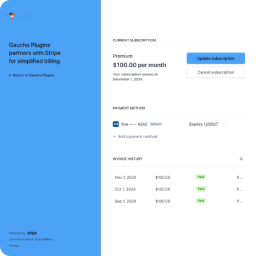
Login Flow
End-to-end walkthrough of the magic-link login flow — from the form submission, through nonce + rate-limit checks, token issuance, email delivery, redemption, Stripe Billing Portal session creation, and the return URL hand-off.
Flow overview#
- Customer enters email on the login form.
- WordPress verifies the nonce and applies the rate limiter (5/10min per email + per IP).
- WordPress optionally looks up the customer in Stripe by email.
- WordPress generates a 20-character token and stores its SHA-256 hash in a transient with a one-hour TTL.
- WordPress sends a magic link via
wp_mail()using the configured Customer Portal slug. - Customer opens the link in their email.
- WordPress re-hashes the URL token, looks up + deletes the transient (one-time use).
- Stripe finds or creates the customer.
- Stripe opens a Billing Portal session and redirects.
- Customer manages billing on Stripe's hosted portal.
- Stripe returns the customer to your configured Return URL.
Step 1 — Customer submits email#
The customer enters their email on:
- The dedicated endpoint, or
- A page with the shortcode.
WordPress verifies the form nonce (lscp_stripe_portal_login_action).
Step 2 — Rate-limit + optional existing-customer check#
Before any email is sent, the request is checked against the rate limiter (5 requests / 10 minutes, per email and per IP). If either bucket overflows the customer sees “Too many requests. Please wait a few minutes and try again.” See Rate limiter.
If Only allow existing Stripe customers to login is enabled in settings:
- The plugin queries Stripe for a customer with that email.
- If none exists, no email is sent.
- The customer sees the same enumeration-safe message either way.
If the setting is unchecked (default), the plugin proceeds without the Stripe lookup — any valid email gets a link, and a new Stripe Customer is auto-created when the link is redeemed.
Step 3 — Magic link email#
When allowed to proceed:
- A random token is generated (
wp_generate_password, 20 characters). - The plugin stores the SHA-256 hash of the token in a WordPress transient keyed by
lscp_stripe_login_token_{sha256(token)}, mapped to the customer’s email, with 3600 seconds (1 hour) TTL. The raw token is never written to disk — a database snapshot does not expose unredeemed login links. - An HTML email is sent via
wp_mail()with subject Login to Stripe Customer Portal.
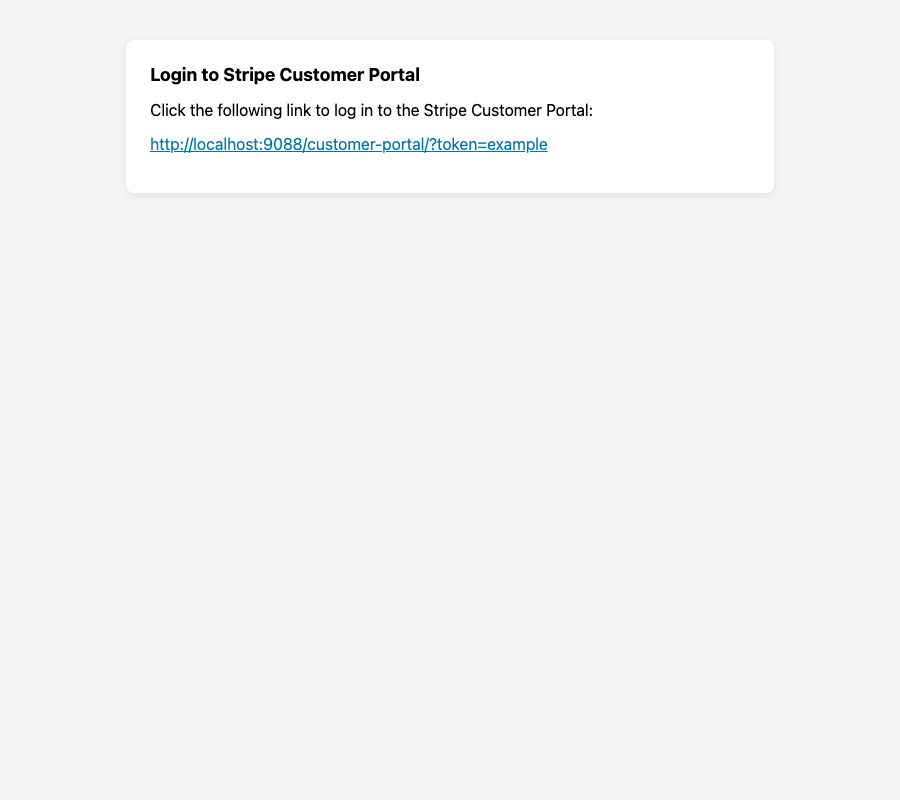
The link format (using your configured Customer Portal Slug, not a hardcoded path):
https://yoursite.com/{your-slug}/?token=XXXXXXXXThe customer sees a mode-aware confirmation message on the form:
- Default mode: “A login link is on its way. Please check your inbox for the link to access your Stripe Customer Portal.”
- Existing-only mode: “If your email address is associated with a Stripe customer, a login link is on its way. Please check your inbox.”
Step 4 — Customer clicks the link#
On GET with a valid token query parameter:
- WordPress computes
SHA-256(token)and looks up the matching transient to load the email. - The transient is deleted immediately (one-time use, even if the rest of the flow fails).
- If the token hash has no matching transient (expired, already used, or never issued), the customer sees: Invalid or expired token.
Step 5 — Stripe Customer Portal session#
The plugin:
- Sets the Stripe API key from settings.
- Finds a Stripe Customer by email, or creates one if none exists (unless blocked by existing-customer-only mode earlier in the flow).
- Creates a
BillingPortal\Sessionwith the configured return URL. - Redirects the browser to Stripe's hosted portal URL.
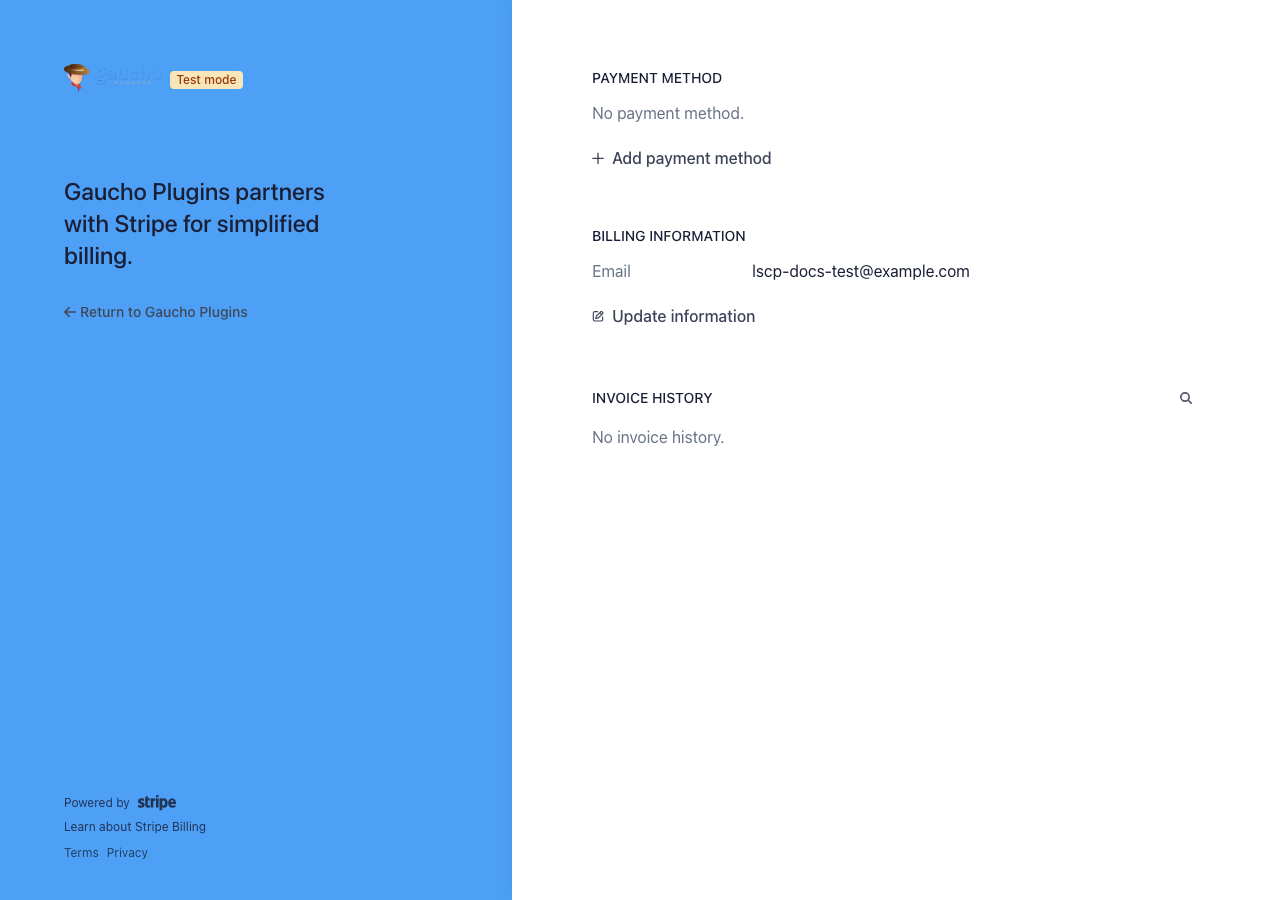
Step 6 — Return to your site#
When the customer exits the portal, Stripe redirects to your Redirect URL (see Settings Reference). If unset, the default is your customer portal login page.
Security notes#
- No WordPress accounts are created for customers.
- Enumeration-safe messaging — The post-submit message is mode-aware and does not reveal whether an email exists in Stripe.
- Hashed tokens at rest — Stored as
SHA-256(token); a database snapshot can’t replay outstanding links. - One-time tokens — Each link works once and expires after one hour.
- Rate limiter — 5 requests / 10 minutes per email and per IP, on every submission path (endpoint and shortcode).
- Nonces protect form POST requests from CSRF.
See Security and Privacy for the full model.